
Technical SEO
WordPress SEO audit or redesign: what should you buy when pages are not indexed?
A new design will not fix an accidental noindex setting. Diagnose the failing page first, then decide how much of the website needs to change.
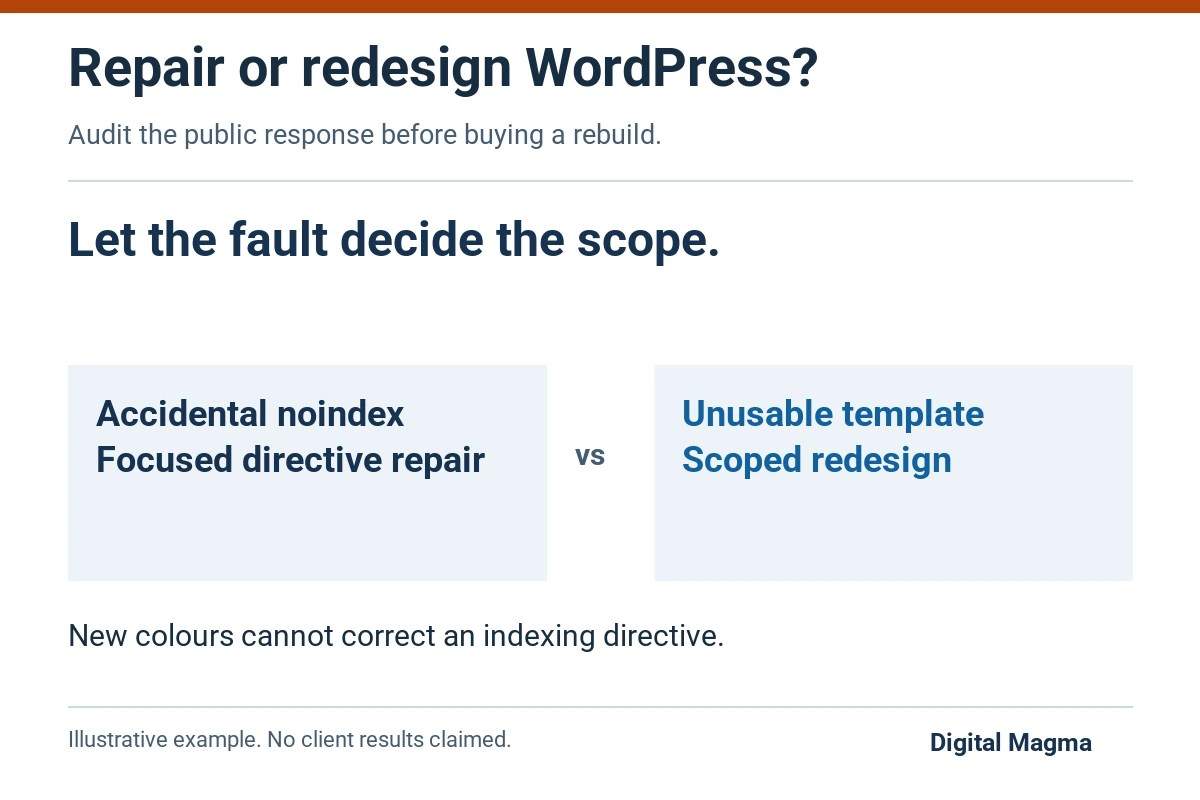
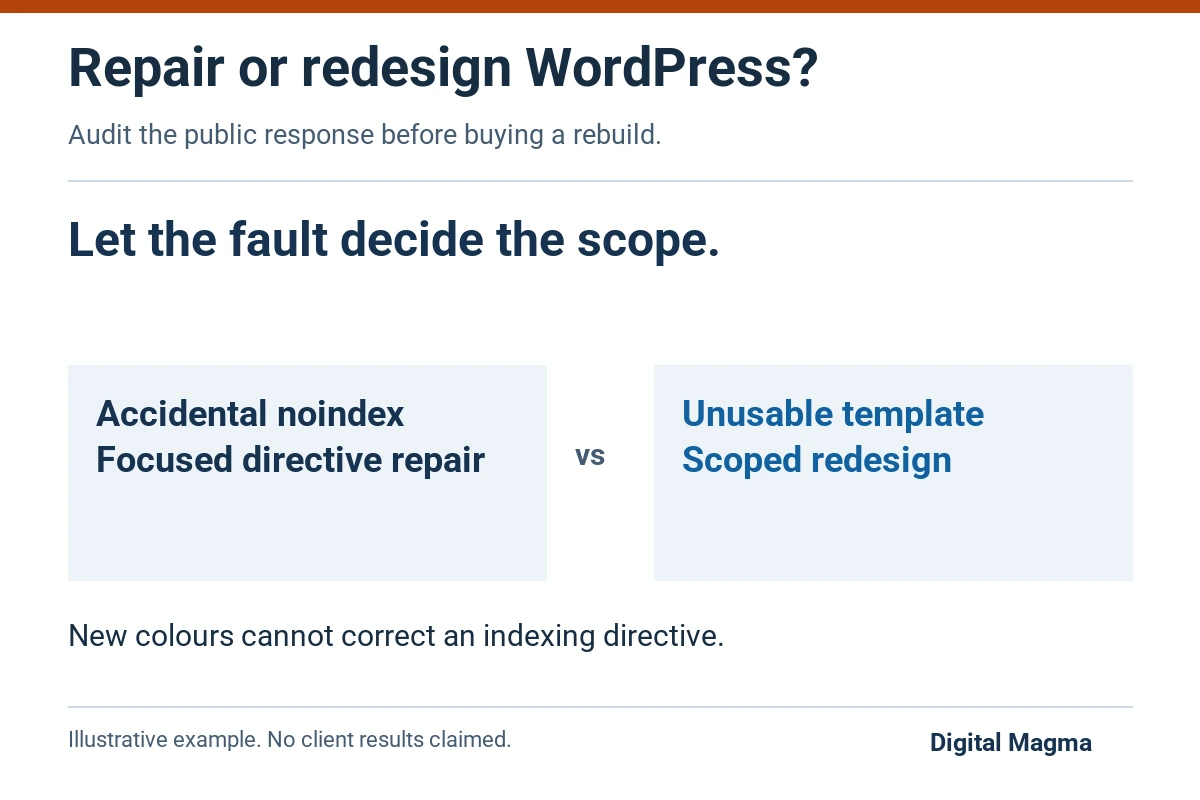
Start with a WordPress SEO audit when you do not yet know why a page is failing. A wrong directive or canonical may need a focused repair. A template that cannot support useful content may need redesigning. Diagnose the problem before buying the larger project, and include migration work if URLs will change.
Is the problem a setting or the website itself?
Your WordPress site looks dated and enquiries have slowed down. A redesign sounds like a sensible next step. But if an important service page has an accidental noindex directive, new colours and a better hero image will leave the indexing problem in place.
That is one reason to diagnose the page before buying the project. A focused audit can separate a wrong setting from a template that cannot support the content you need.
Two problems, two different scopes
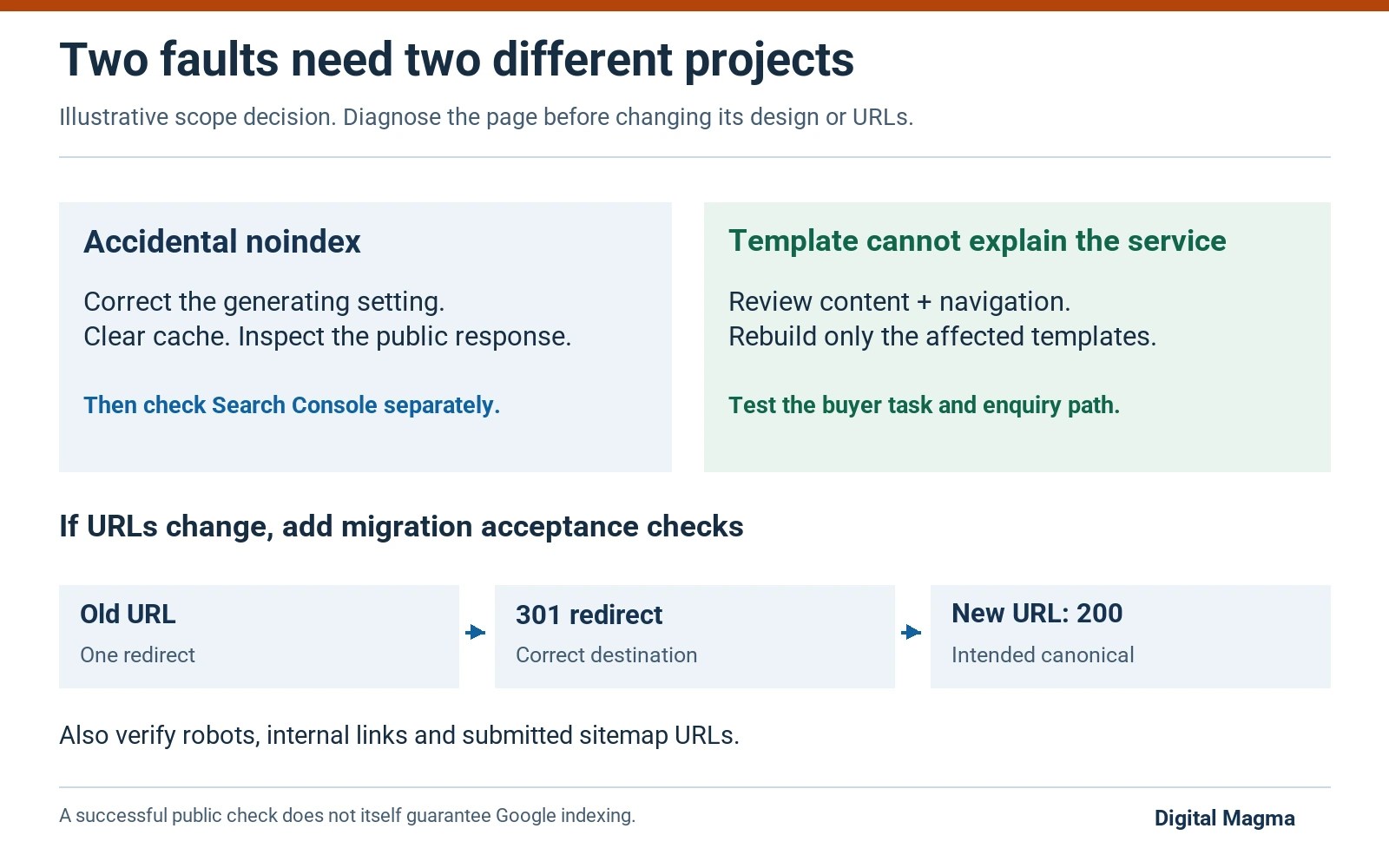
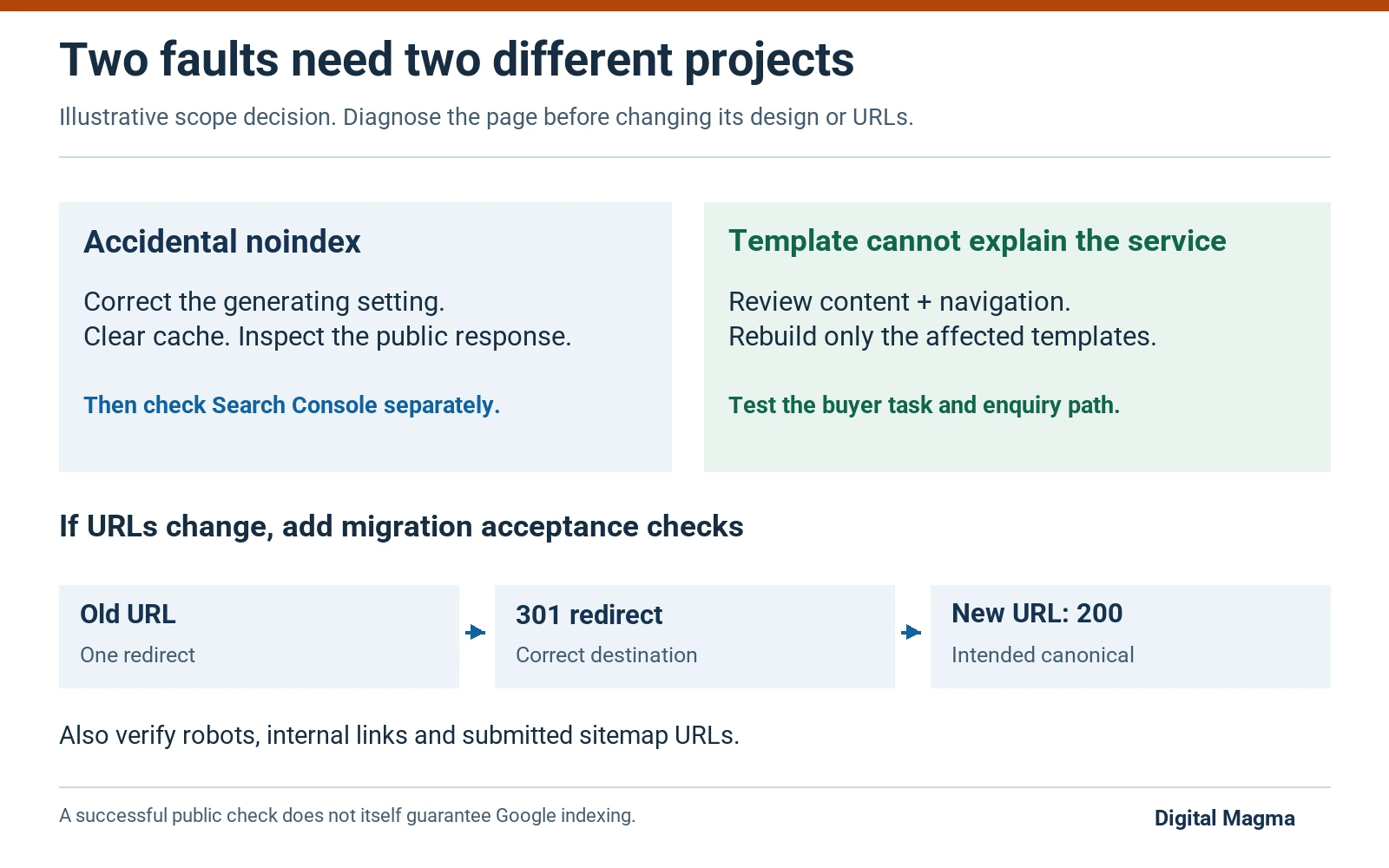
Accidental noindex: correct the setting that produces the directive, clear the relevant cache and inspect the public response. Then check Search Console separately.
Unusable service template: if every page squeezes scope, examples and contact information into an image carousel, changing one setting will not solve the problem. Review the template and the content together.
These are illustrative cases. An audit should establish which one resembles your site, rather than turning every technical issue into a rebuild.
Before the sales call, choose a service page and a contact page. Open both while logged out, read them on a phone and complete a test enquiry. You now have a specific problem to discuss instead of “the site feels old”.
When is a focused technical fix enough?
A focused fix fits a specific fault with a limited area of impact.
| Observed problem | First project to consider | Evidence after the change |
|---|---|---|
| Accidental noindex on production pages | Directive and template correction | Anonymous responses show the intended robots setting |
| Canonicals point to unrelated URLs | Canonical generation review | Affected URLs output the chosen destination |
| Public copy stays stale after publishing | Cache and deployment investigation | Saved and public content agree |
| Service details are difficult to navigate | Information architecture and content review | Clear pathways tested with actual reader tasks |
| Multiple templates need rebuilding | Scoped redesign with SEO migration plan | Template, URL and enquiry checks pass |
These are decision examples. They do not establish that your site has those faults. Ask the supplier to connect the recommendation to a response, page capture or account observation.
When does a redesign make sense?
Choose a redesign when the existing templates cannot support the pages your customers need.
Perhaps important service information is scattered across templates, the mobile contact form is difficult to use, and the editor cannot maintain the content. Replacing those templates may be more useful than repairing each symptom independently.
Separate the visual wish list from the business requirements. Specify the pages that must exist, the tasks readers must complete and the controls your team needs in WordPress. Then ask what must change underneath the design.
Google’s hiring guidance recommends considering SEO early in a redesign. That is a planning point, not a claim that a new design automatically improves rankings.
What should happen to existing URLs?
Keep useful addresses when the redesign does not require them to change. A new layout is not, by itself, a reason to replace every URL.
Where a path must change, agree the destination before launch. Here is a hypothetical map a buyer could ask the developer to demonstrate:
| Current address | Launch decision | Check |
|---|---|---|
| /services/seo/ | Keep the existing address | Page works and declares the intended canonical |
| /old-seo-guide/ | Move to /seo-guide/ | Old address redirects to the matching new guide |
| /retired-offer/ | Review whether a useful replacement exists | No unrelated homepage redirect by default |
The sitemap can miss useful addresses. Check analytics and existing links too, and ask sales which pages they still send to prospects. Save the old content.
Google’s site-move guidance covers URL mapping, redirects, sitemaps and monitoring. Use that process where URLs change; keep a same-address template update scoped to the work it actually needs.
Test the map first. Pick a service URL, an old article and a retired offer, and follow each redirect as a customer would before approving the full list.
How should JavaScript rendering be handled?
Make the main explanation and ordinary navigation accessible without requiring a visitor to trigger an animation or load-more button.
Google can render JavaScript, but its JavaScript SEO documentation describes processing limits and recommends considering server-side or pre-rendered content. For a WordPress service page, ask to see the actual document HTML and the rendered page.
Animation can improve feedback when a menu or accordion opens. It should not hide the service description until a script succeeds. Test an interrupted script load as well as the normal page, especially if the design uses a custom page builder.
Include readable text, meaningful links and accessible controls in the acceptance brief. “The animation looks good on my laptop” is a different test from “a buyer can read the offer and contact us.”
What should you approve before launch?
Who signs off? Agree a release checklist that your developer and SEO consultant can both use, with an owner for each check and a recovery plan if the deployment fails.
- Old and new URL behaviour, canonicals, robots directives and sitemap output.
- Mobile and desktop service-page readability, navigation and forms.
- Important content present in the anonymous response and rendered page.
- Tracking tested against the intended enquiry actions.
- Backups, rollback responsibility and a dated deployment record.
Keep delivery acceptance separate from indexing and traffic. The supplier can verify a deployed redirect or working form. Google decides subsequent crawling and index selection.
If your developer and SEO consultant are separate, ask them to share the same checklist. Otherwise, a task can be marked complete by one team while remaining untested by the other.
Buyer questions
Will changing the WordPress theme fix indexing?
A theme change helps only if it addresses the relevant fault. Inspect robots directives, canonicals, content delivery and the page purpose before deciding which code or template needs work.
Should an SEO audit include implementation?
Only when the scope says so. Ask whether the price covers recommendations, deployment, or both, and who will verify each change.
Can a redesign guarantee more enquiries?
A redesign cannot guarantee more enquiries. It can improve a defined user journey, but demand, offer, traffic quality and sales follow-up also affect enquiries. Agree how those outcomes will be measured.
Sources and editorial method
Technical claims link to primary documentation in the relevant section. Buying worksheets are Digital Magma’s editorial recommendations. Examples are illustrative, not client results. This guide was prepared with AI assistance; no measured search volume or ranking outcome is asserted. Send corrections through our contact page.
Unsure whether your site needs a rebuild?
Bring the affected pages and the problem you want solved. We can discuss a focused repair before you commit to a wider redesign.
Request an initial website review
Explore website design services, compare SEO packages and read Google reviews.